Overview
A project management application
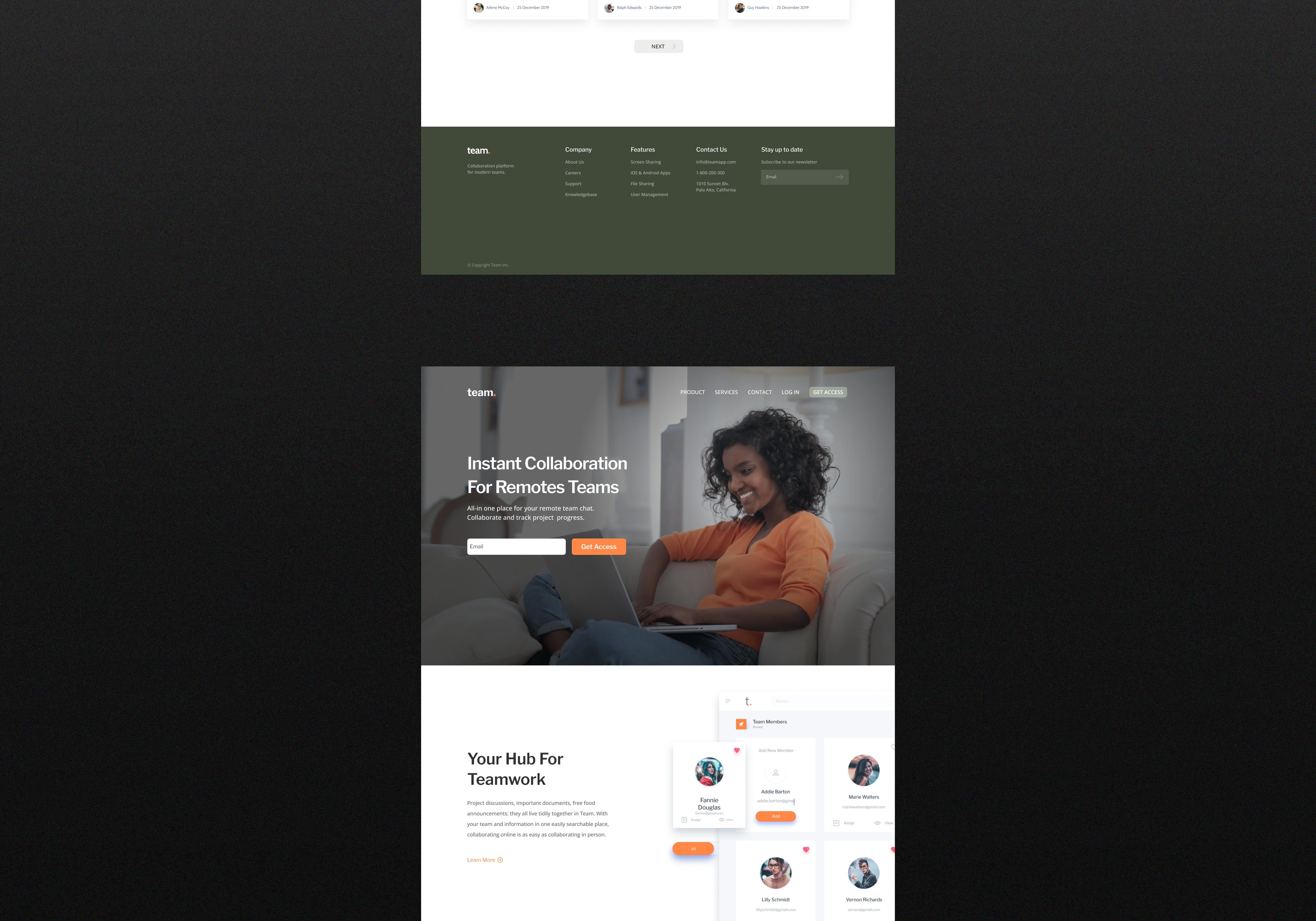
Team was established to assist team members interact while also working on tasks. With your team and information in one easily searchable place, collaborating online is as easy as collaborating in person.
Problem
After the pandemic, many teams were unable to work on the same project in the same workplace, making it difficult to organize and maintain order. Team is built on having a location where you may be organized in an intuitive manner while communicating with your team.
Solution
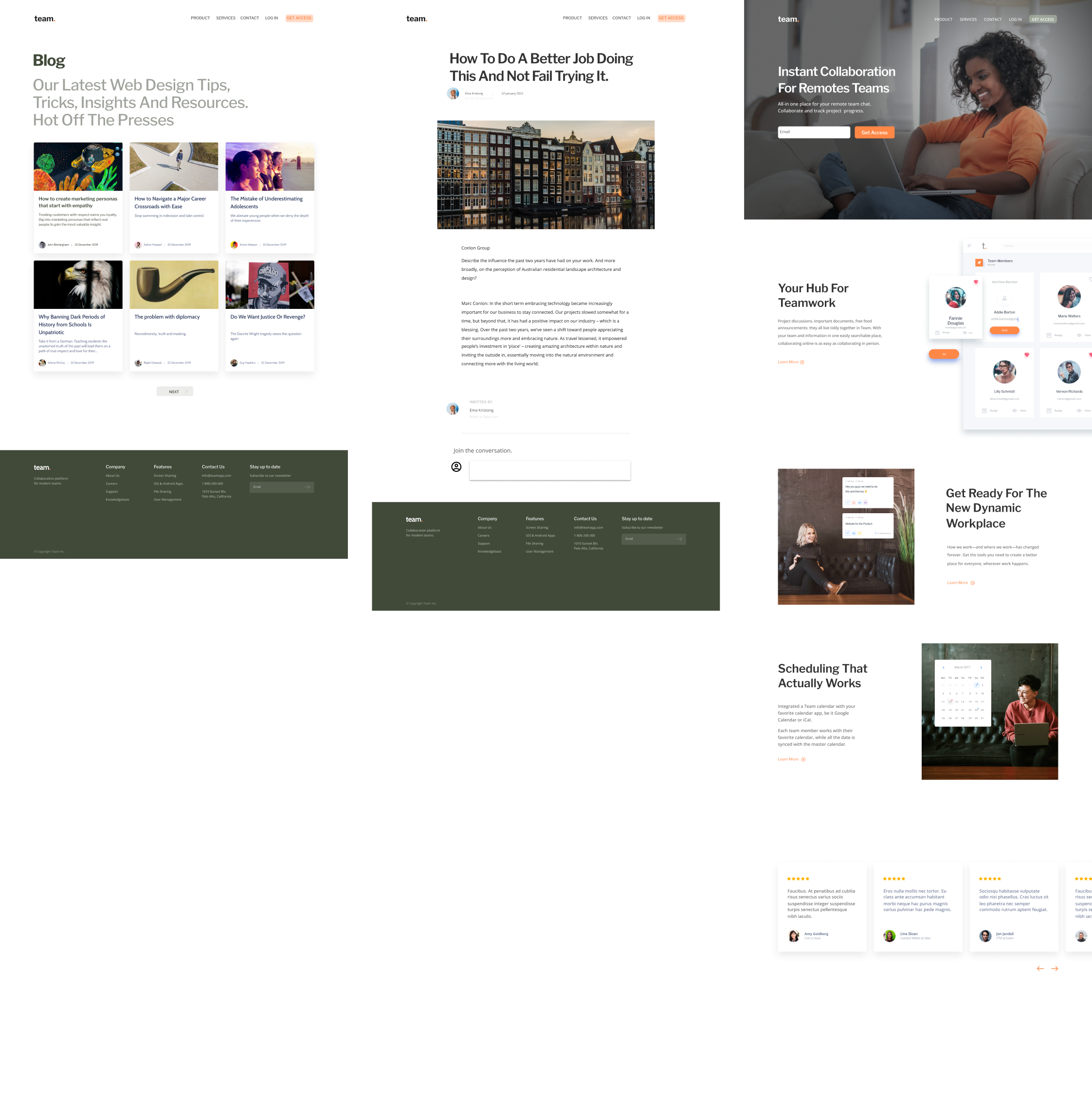
To tackle consumers' difficulties, the team integrates and enhances the most regularly utilized aspects of rival solutions. It makes planning tasks, making timelines, creating checklists, calling colleagues, and so on much easier.
View Final Solution

My Role/Responsibilities
UX research, UI design, brand identity
Process
Discover
Important for team organization
Initial research focused on better understanding user demands for document organization, project creation, timeline visualization, task sorting, and team chat implementation.
Focus Areas
01
What products exist to create, archieve, save and share projects?
02
How do users interact with existing products?
03
What are users current pain points with existing products?
04
What features are essential for organising documents?
Define
Carving out a niche in a saturated market
Persona
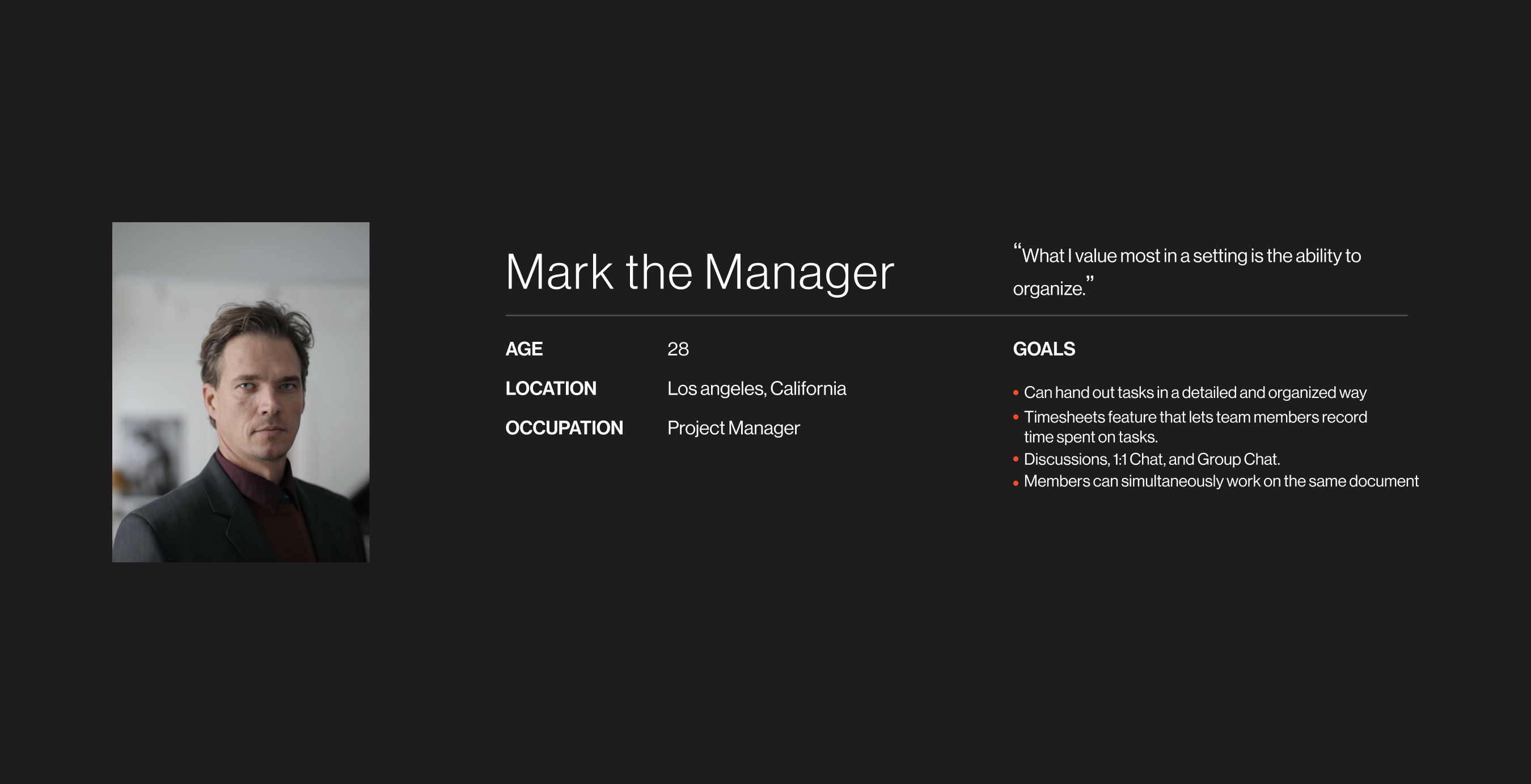
A persona was built based on the data collected to help drive decision making and keep the product focused on solving users pain points, frustrations, and goals.
Ideate
Cooking up a better experience
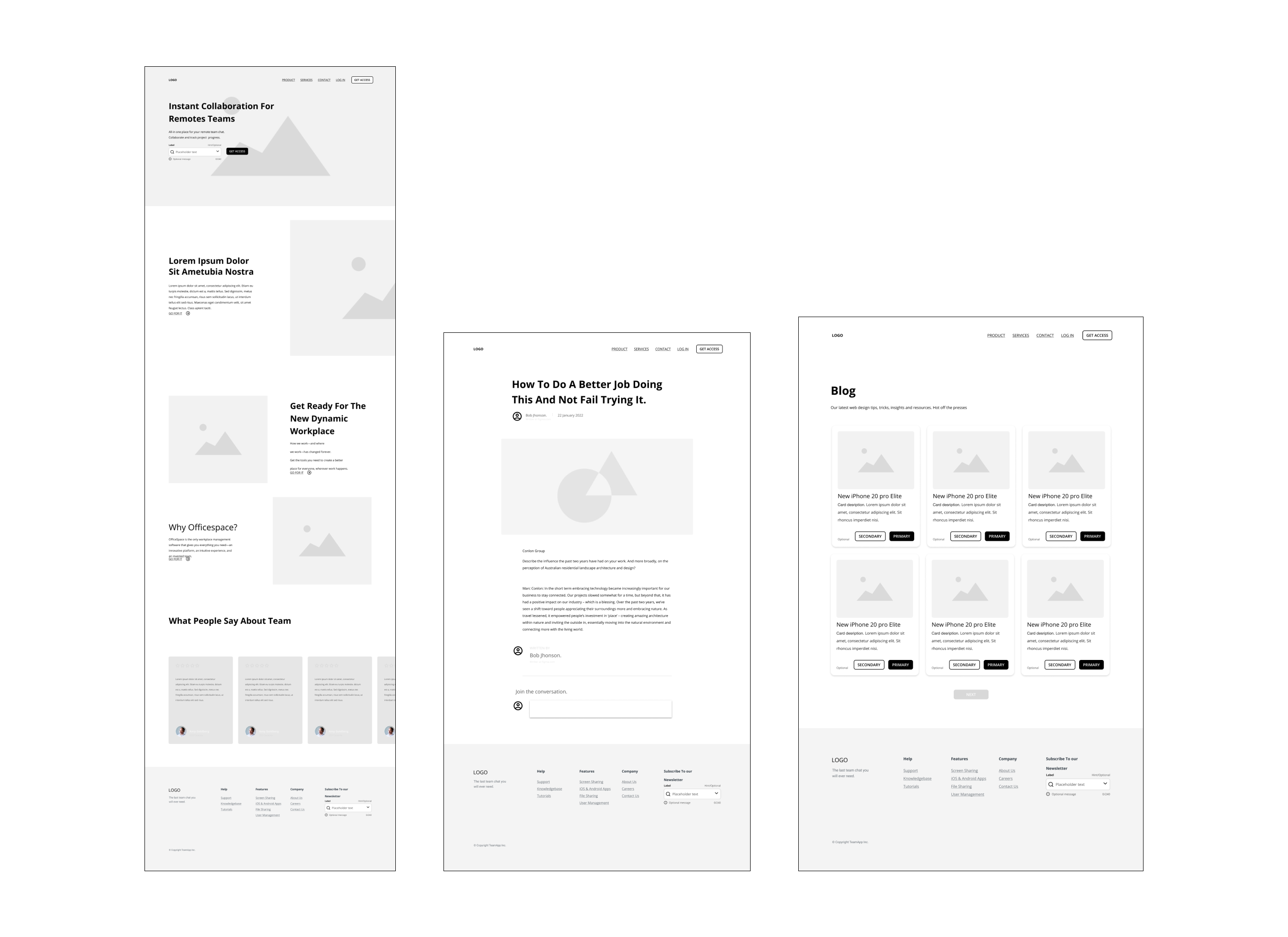
Quick drawings let me get ideas on paper to determine which aspects were required for each screen to kick-start the design process. Following that, a low-fidelity prototype was constructed for early user testing.
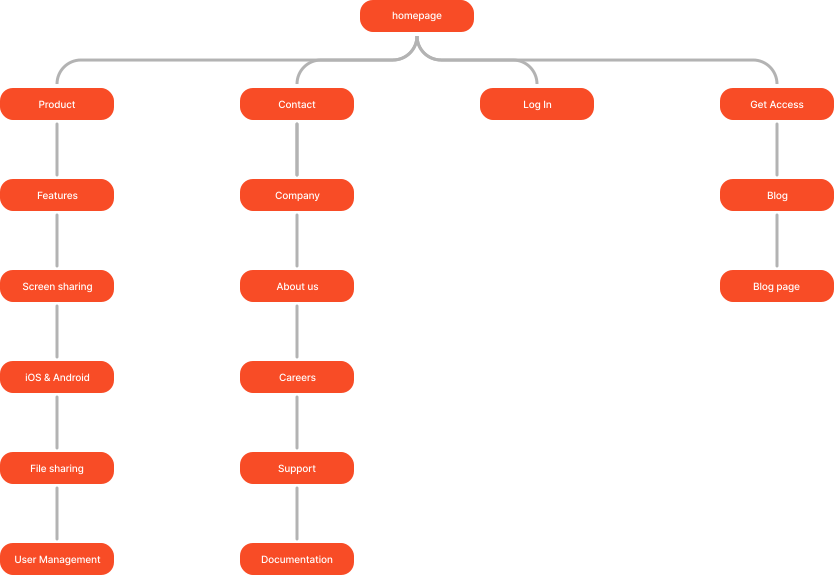
Site Map
The straightforward information layout of Team makes it simple to explore and scroll through activities.
Low-Fidelity Prototypes
A how-fidelity prototype was produced to begin user testing using the input and ideas acquired from research, analysis, and drawing.